

localhost in the instance while still being reachable from the internet.
For example, if your app runs inside the Agent 37 terminal on:
Step 1: Open the Agent 37 terminal
- Sign in to the Agent 37 dashboard
- Open the instance where your app is running
- Click Terminal
Step 2: Add your authentication token
Before you continue, confirm ngrok is available: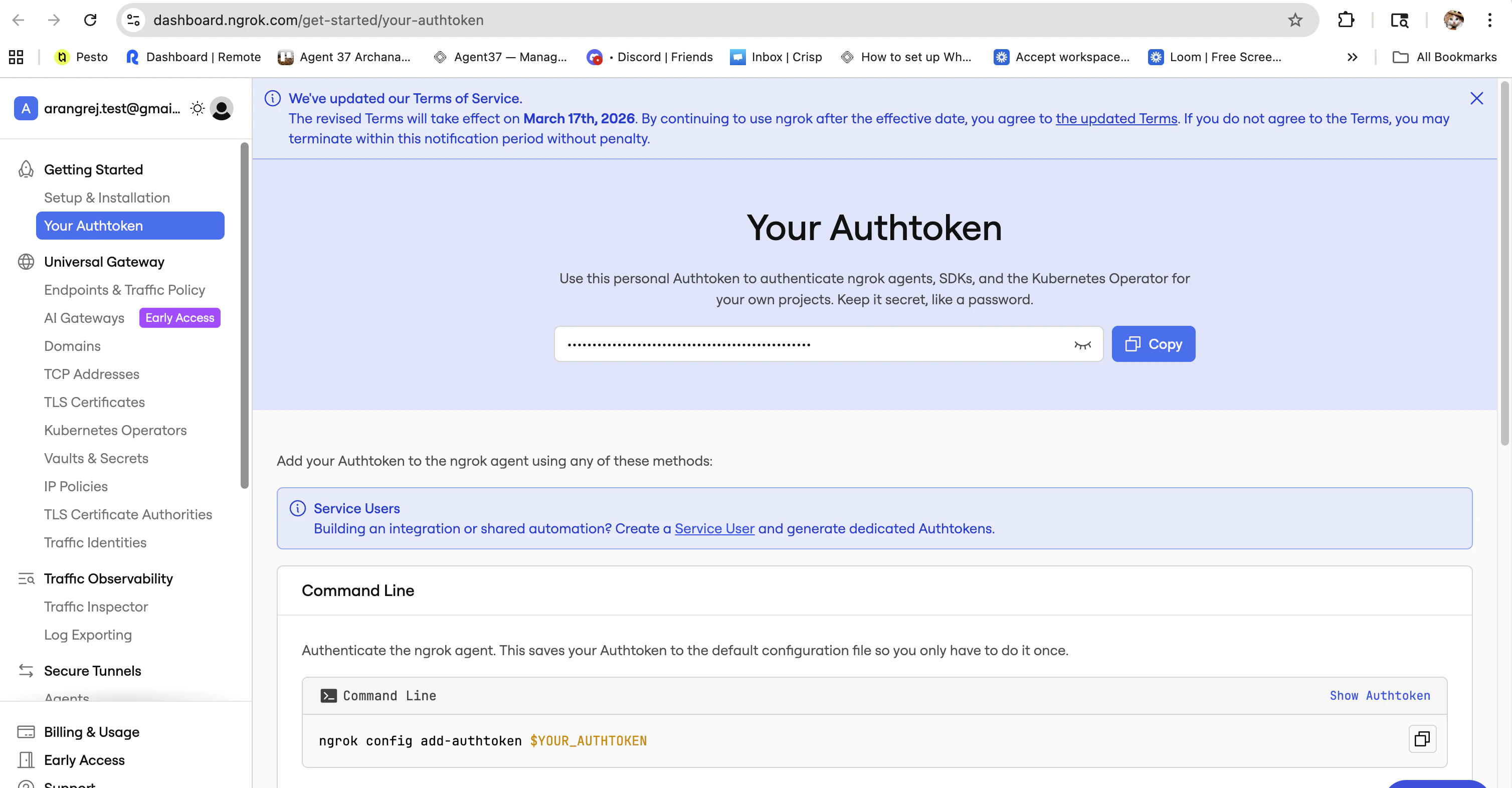
Step 3: Start an ngrok tunnel from the Agent 37 terminal
If your app runs on port3000, run:
3000 with that port number.
ngrok will start a tunnel and show output similar to:
Step 4: Open the public URL
Copy thehttps://...ngrok... forwarding URL and open it in your browser.
You should see the app running inside your Agent 37 instance through the ngrok URL.